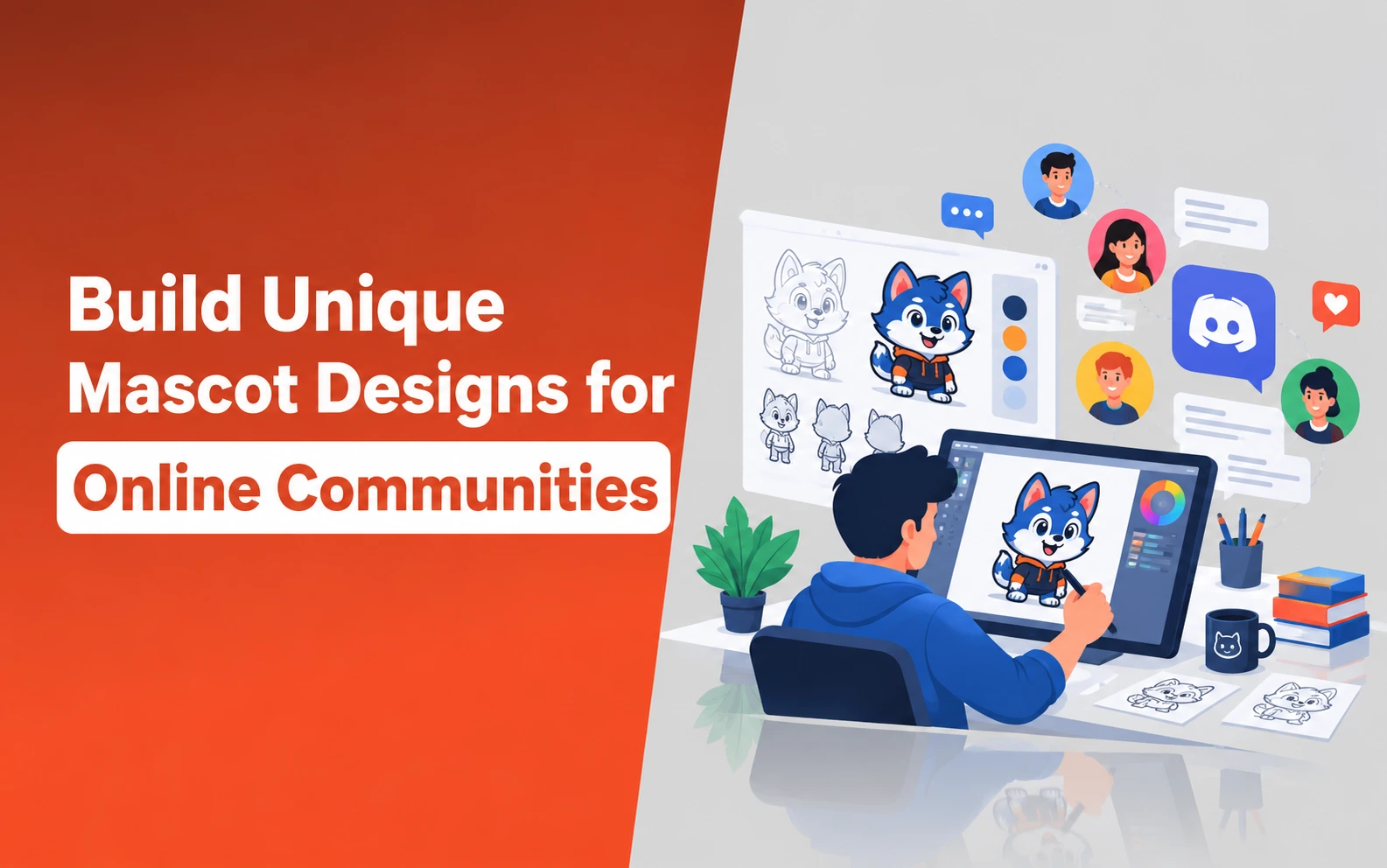
Every community eventually develops its own personality. Maybe yours is chaotic, obsessed with a particular game, full of terrible jokes, or surprisingly supportive. You probably already have the inside jokes and traditions. What you may not have is a character that represents all of it. That’s where a mascot comes in.
You don’t need to be an artist or spend hundreds hiring someone to draw one. Start with the personality your community already has, turn those ideas into a visual description, and let AI handle the first draft.
With an AI image generator online, you can describe exactly what your community stands for and watch a mascot take shape around it. Dreamina handles this particularly well, producing characters with real personality rather than stock-art blandness.
Let’s design a character your community will actually want to adopt.
Why a Mascot Needs a Clear Point of View?
A forgettable mascot is usually one designed to look nice rather than to mean something. The strongest mascots reflect a specific trait of the community, like its humor, its values, its shared inside jokes.
So members recognize a piece of themselves in the character rather than just a cute drawing. The following are the key reasons why your mascot is necessary.
1. Define Your Community’s Personality First
Before generating anything, describe your community in three or four personality words, like chaotic, supportive, nerdy, or competitive.
These words should directly inform your mascot’s expression, pose, and even color choices, which gives the design a clear reason to exist beyond just looking a
- Chaotic community might suggest an energetic, slightly wild pose
- Supportive community might suggest a warm, open expression
- Competitive community might suggest a confident, dynamic stance
2. Design a Character That Scales Across Formats
A mascot needs to work as a tiny profile picture and as a large banner image, which means starting with a strong, simple silhouette matters more than intricate detail. Overly complex designs tend to lose clarity when shrunk down to an icon size.
Explore Dreamina's Different Image Models
Dreamina gives creators a choice of image generation models rather than a single fixed engine, and each suits a slightly different mascot need.
1. Seedream 5.0 Pro
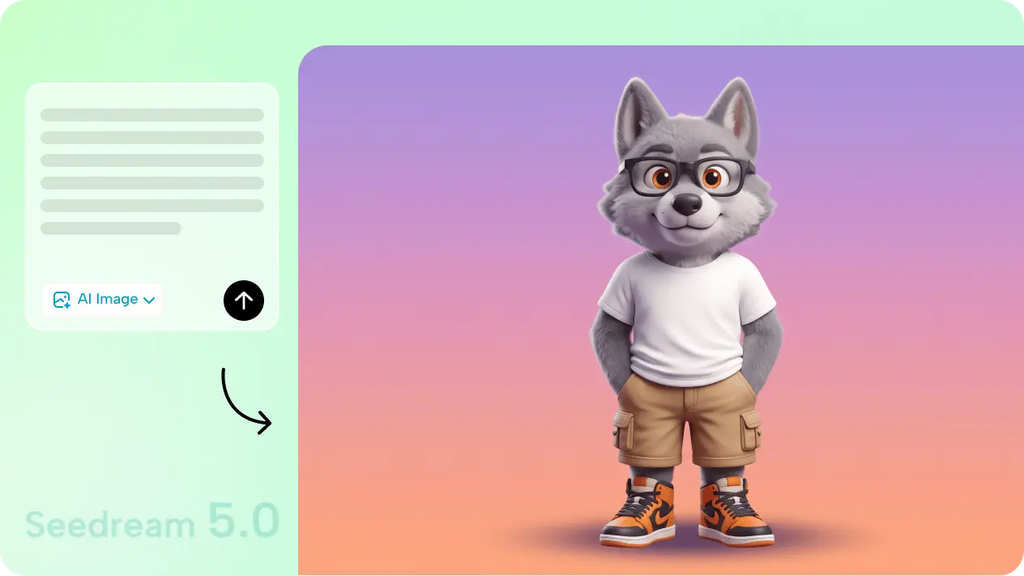
Seedream 5.0 Pro, the newest and most advanced model, is particularly strong for character consistency, which matters enormously for a mascot you’ll reuse across dozens of future images.
It holds proportions, colors, and expression style reliably, which makes follow-up variations look like the same character rather than a slightly different one each time.
2. Nano Banana
Nano Banana works well for fast early exploration. It lets you test several rough personality directions before committing to a final look.
3. GPT Image 2
GPT Image 2 handles detailed styling instructions closely, useful when your mascot concept includes several specific visual requirements you want followed precisely.
How Can You Use Dreamina to Bring a Mascot to Life in 3 Moves?
Dreamina makes the design process approachable, even for communities without a dedicated artist on hand.
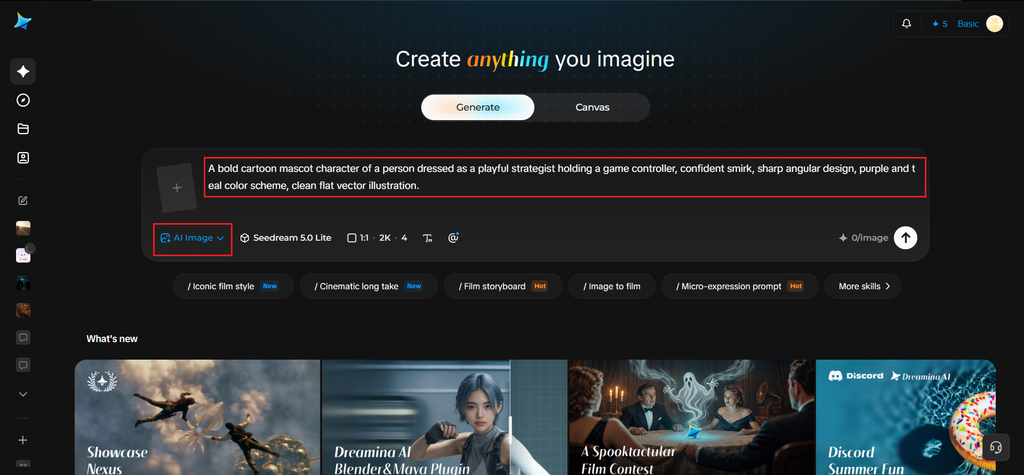
Step 1: Write a Text Description
Go to Dreamina and describe your mascot in detail, like personality, appearance, color palette, and art style. If your community already has a rough logo or symbol, upload it as a reference to guide the design direction.
- For example: A bold cartoon mascot character of a person dressed as a playful strategist holding a game controller, confident smirk, sharp angular design, purple and teal color scheme, clean flat vector illustration.
Step 2: Adjust Parameters and Generate
Select Image 5.0 Pro, powered by Seedream 5.0 Pro, for clean, consistent character rendering, then set your aspect ratio, canvas size, and resolution. 1K resolution is best for quick previews, whereas 2K is for high-quality banners and merch.
Click the generate icon to create your mascot.
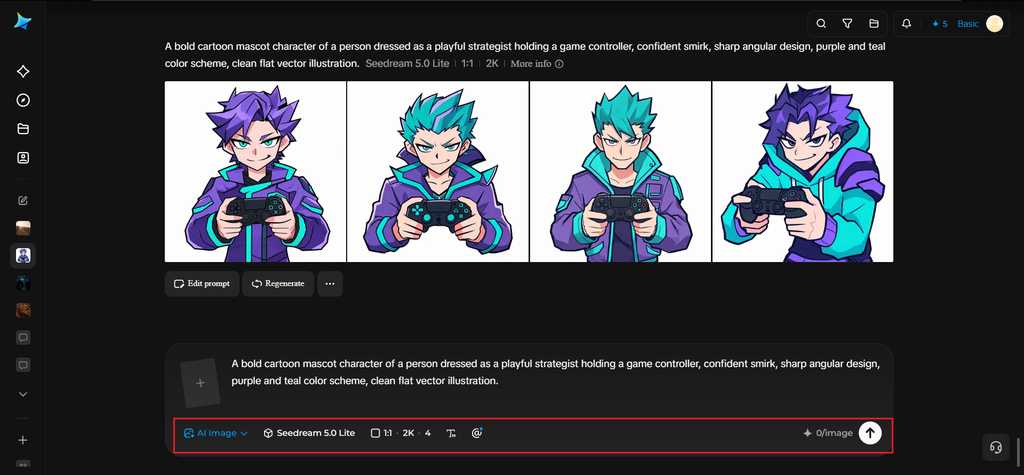
Step 3: Customize and Download
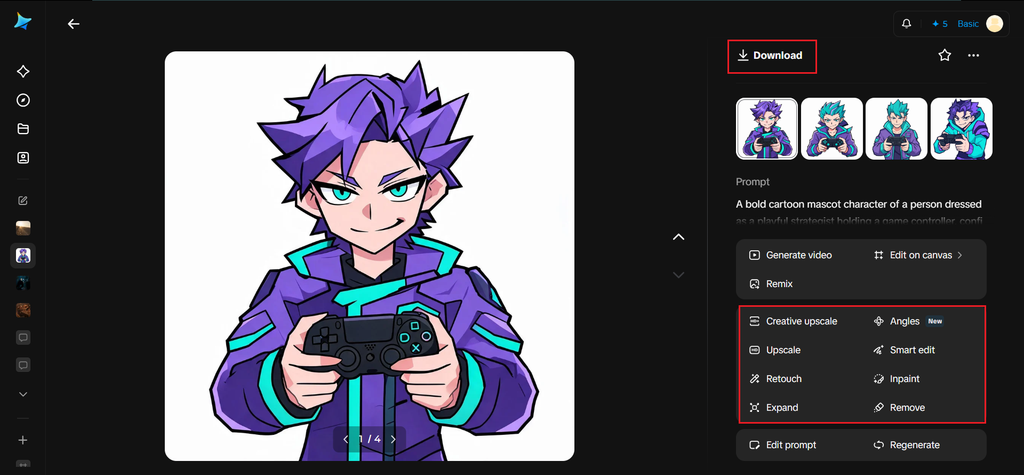
Next, you should refine your mascot with Dreamina’s tools:
- Inpaint to adjust facial expression or accessories
- Expand to add more surrounding space for logo placement
- Remove to simplify busy details
- Retouch for a clean final look.
Once ready, click Download.
Personal Tip: Give Your Mascot a Name and Backstory
A mascot with a name and a tiny bit of lore tends to stick in a community’s memory far more than one that’s purely decorative.
Even a single sentence about what the mascot does or why it exists can give members something to reference and build inside jokes around.
Once your core mascot design is finalized, generate variations showing different expressions and poses. The important ones are:
- Excited
- Confused
- Celebrating
- Sleepy
This expanded set becomes incredibly useful for reactions, emotes, and casual community posts.
How to Get the Maximum Out of Your Mascot?
I will say a single thing:
- “Keep your mascot consistent as different people use it”
The moment a mascot gets adopted, it stops being one person’s design and starts getting used by dozens of members in memes, fan art, custom emotes, and edited screenshots.
A little groundwork keeps all of that from drifting into a dozen unrelated-looking characters:
- Save Your Original Prompt, Not Just the Final Image: The exact wording that produced your mascot is the fastest way to regenerate consistent variations later, especially with Seedream 5.0 Pro’s strength at holding proportions and color across generations.
- Document the Non-Negotiables: Note the two or three details that must stay fixed, such as color palette, silhouette, signature accessory, so anyone generating new poses or expressions knows what’s flexible and what isn’t.
- Build an Approved Expression Set Early: Having a small official library (happy, confused, celebrating, sleepy) gives members ready-made assets to pull from instead of everyone generating their own slightly-off version.
- Designate One Place to Store Official Versions: A pinned folder or channel with the canonical files prevents low-res screenshots or outdated drafts from becoming the “default” version people copy.
- Allow Room for Fan Variations Without Losing the Core Design: Encourage members to riff on the mascot for events or jokes, but keep the base design (silhouette, colors) untouched so it’s always recognizable at a glance, no matter who made the edit.
Where a Good Mascot Ends Up Living?
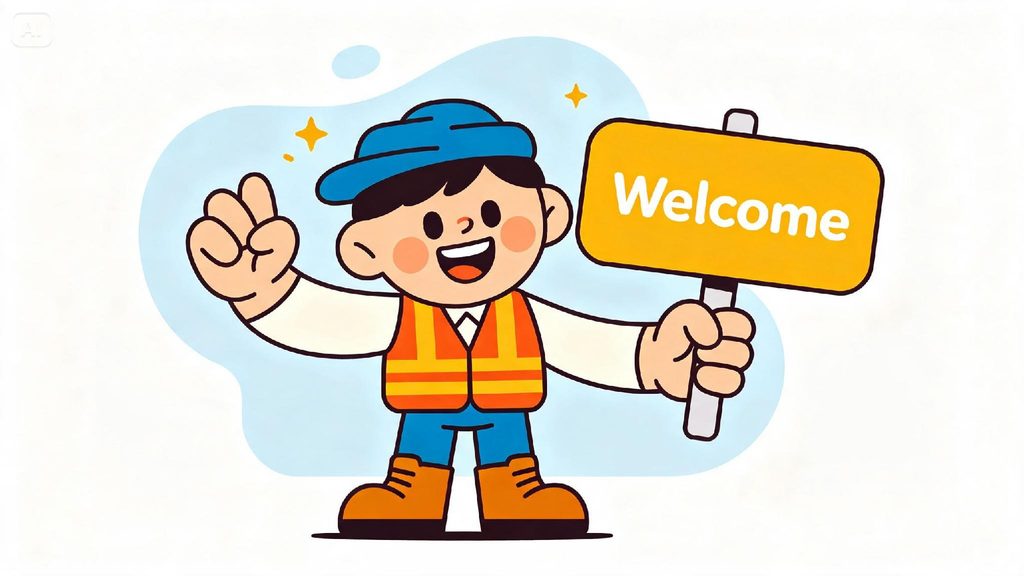
A well-designed mascot rarely stays in one place:
- Server icons, banners, and welcome messages
- Custom emotes and sticker packs
- Community merch like pins and apparel
- Event graphics and milestone celebration posts
Final Thoughts
The right mascot turns an abstract group of usernames into something that feels like a real, recognizable identity.
With Dreamina and the consistency of AI algorithms, designing that character is fast, genuinely fun, and free to start the moment your community decides it’s time.
You just need to create a proper prompt to make sure you can get better results. Also, I recommend you save the prompt in case you need it in the future.
Need custom app with amazing features?
Get a Quote