
Google’s Veo 3 stunned creators with razor-sharp 4 K frames, fluid 30 fps motion, and native stereo sound. Yet those features hide behind Gemini’s $250-a-month Ultra tier, well beyond most indie budgets.
The sticker shock launched our hunt for free tools that still look cinematic. We tested every reputable option, reviewed hundreds of sample clips, and benchmarked each model against Veo’s realism. The 5 that passed form our ranked list; each lets you generate HD video today without spending a cent.
In this guide, I have mentioned the top 5 Free AI alternatives to VEO 3 that can help you in high-quality video generation without requiring you to spend a single cent.
Why I Love Leonardo AI?
Leonardo AI illustrates that benchmark: its free tier replenishes 150 Fast Tokens every 24 hours, enough for roughly two dozen six-second Motion tests in our hands-on run.
That steady allowance lets you iterate lighting and camera moves day after day, turning “free” from a one-off teaser into a workable routine. Credits that renewable became our litmus test for separating genuine free tiers from short-lived demos.
Top 5 Best Free AI Alternatives to Veo 3
In the section below, I have mentioned the best free AI alternatives to VEO 3. To pick them, I have considered 4 different performance elements and tested these tools. So, it is for sure that you will get incredible benefits with these tools.
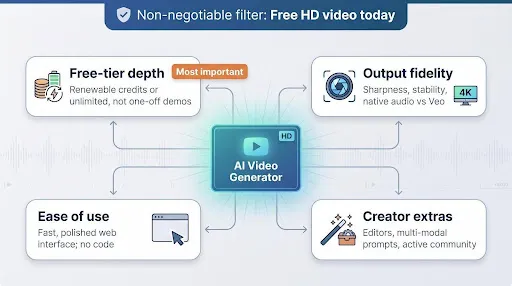
Use this table as a quick gut check when you’re matching project needs to the right free tier.
| Platforms | Free Usage Policy | Max Quality | Audio | Watermark | Best For |
|---|---|---|---|---|---|
| Google Veo 3 | No free tier; locked behind Gemini Advanced or Vertex credits | 4 K up to 30 fps | Yes | None | Enterprise-grade realism |
| Leonardo AI | 150 tokens every 24 h | 720 p | No | Small logo | Daily prototyping loops |
| Seedance 2.0 (Dreamina) | 225 daily tokens, no card required | 1080 p with native music | Yes | Yes | Prototyping and daily testing |
| Kling AI | 66 free credits daily | 1080 p, clips up to 120 s | No | Yes | Hero shots and realism tests |
| Pika Labs | 80 credits refreshed monthly | 480 p | No | Yes | Rapid social ideas |
| Runway ML | 125 one-time credits, ~25 s total per account | 720 p | No | Yes | Full in-browser editing |
1. Leonardo AI: Your Renewable Sandbox for Prototyping
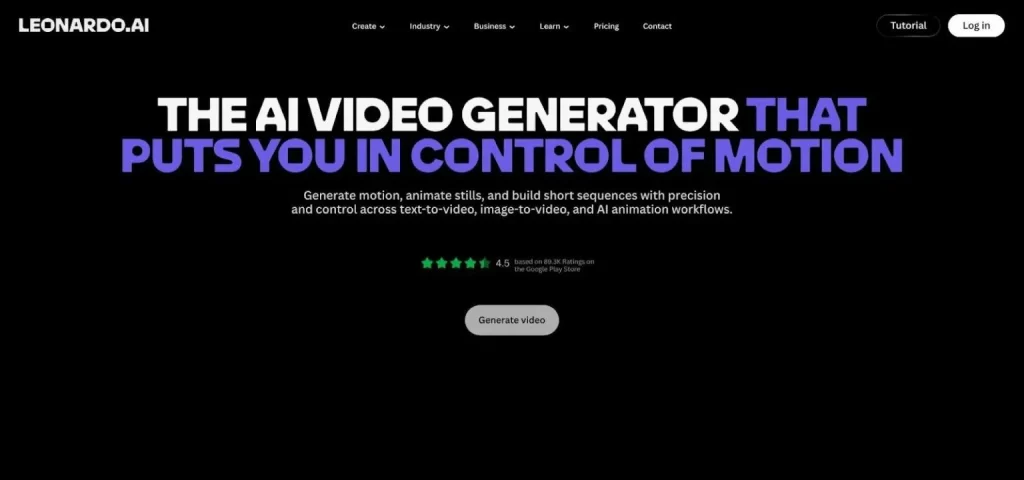
Our number-one pick pulls off something no other free tool on this list can: it hands you the actual Veo model. Imagine waking up to 150 fresh tokens every morning, no credit card required. That refill lands every 24 hours, enough to spin out dozens of three- to six-second clips before breakfast.
Leonardo began as an image generator, and that background shows. Feed the Motion tool a still render, perhaps the hero shot you just made in Midjourney, and it keeps colors, textures, and lens blur consistent while animating the frame. The result feels less like “AI guessing the next picture” and more like a DP pulling focus on set.
Choice is the real bonus. Need a stylized animated loop? Stay with Motion V2. Want photorealism? Toggle Leonardo’s Veo 3.1 video model and watch the same prompt bloom into live-action quality in the same canvas.
That embedded endpoint is the kicker: the very engine behind Google’s paywalled Veo 3, reachable here on a free daily allowance. You lose a little resolution on the free tier (720p max), and the clip carries a small watermark, yet for concept reels and client proofs those limits rarely hurt.
Workflow matters, too. Because the generator sits beside an upscaler, background remover, and prompt library, you can storyboard, iterate, and package social assets without hopping between apps. That tight loop turns Leonardo into an always-open playground where you can test lighting, camera moves, and color palettes daily, then upgrade only when a project needs longer or 1080p takes.
For creators who thrive on rapid iteration, Leonardo feels less like a free sample and more like a standing invitation to experiment, and the closest you’ll get to Veo 3 itself without opening your wallet.
2. Seedance 2.0 (Dreamina): The Everything-Bagel of Free AI Video
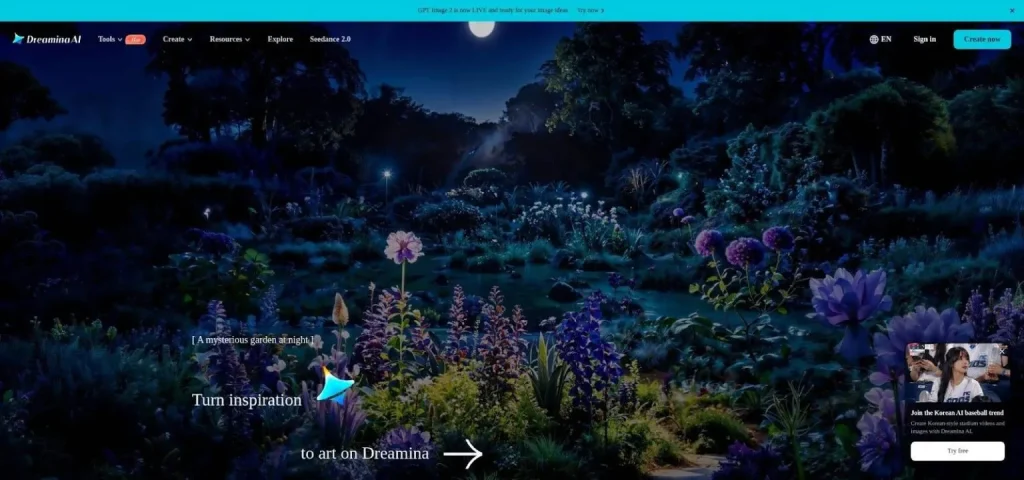
Seedance 2.0 on Dreamina rewrites the usual freemium script. Instead of limiting you to a one-time trial, it opens the entire kitchen: text-to-video, image-to-video, 1080p output, and native background audio. You receive 225 daily tokens without a credit card, though free exports carry a watermark.
Open the Dreamina dashboard, and you’re greeted by a full suite of creative tools. Stick with the Seedance 2.0 engine for fast cinematic shots, and tap its multi-modal features to mix images, text, and audio. Each render uses a slice of your 225-token budget, giving you room to test multiple ideas every day.
The standout trick is multi-shot prompting. Describe an entire sequence such as “Drone sweeps across sunrise Alps, cut to climber planting a flag, pull-back reveal of valley below,” and Seedance storyboards the beats into one cohesive clip, complete with a gentle orchestral swell from its built-in audio engine. That saves hours you would spend stitching micro-renders in post.
While free outputs include a watermark and are limited to personal use, creators already rely on the Seedance tab to prototype scenes before upgrading for commercial rights. Social teams spin up vertical product loops, educators grab royalty-safe B-roll, and indie filmmakers draft scenes before booking a location.
If your priority is a complete, multi-modal studio you can use today without spending a dime, Seedance is the most generous all-in-one option here a natural next stop once you’ve sketched an idea in Leonardo.
3. Kling AI: Cinematic Realism on a Tight Leash

Kling is the show-off in the room. Its 3.0 model produces 1080p footage so lifelike you can forget you’re watching pure diffusion math. Even complex physics, such as hair whipping in the wind or cloth rippling as a dancer spins, stay believable from first to last frame.
TechRadar’s hands-on summed it up neatly: Kling lets you stretch a single generation to 120 seconds, dwarfing the sub-15-second norm in most free tiers.
That power comes with fine print. New accounts receive 66 free credits daily, good for about two five-second HD clips. After that, you wait for the daily reset.
Access can feel like sneaking backstage at a foreign film set. The interface defaults to Chinese, some users rely on Google Translate, and account creation can throw a region error. Clear those hurdles, though, and the reward is footage that rivals Veo’s photorealism without touching your budget.
So where does Kling fit in a free workflow? Treat it as your prestige camera. Use those daily credits for hero shots such as close-ups of talent or dramatic establishing pans, then stitch shorter clips from other tools around them. In minutes, you can build a sequence that exceeds typical zero-cost production value.
4. Pika Labs: the social-first speedster
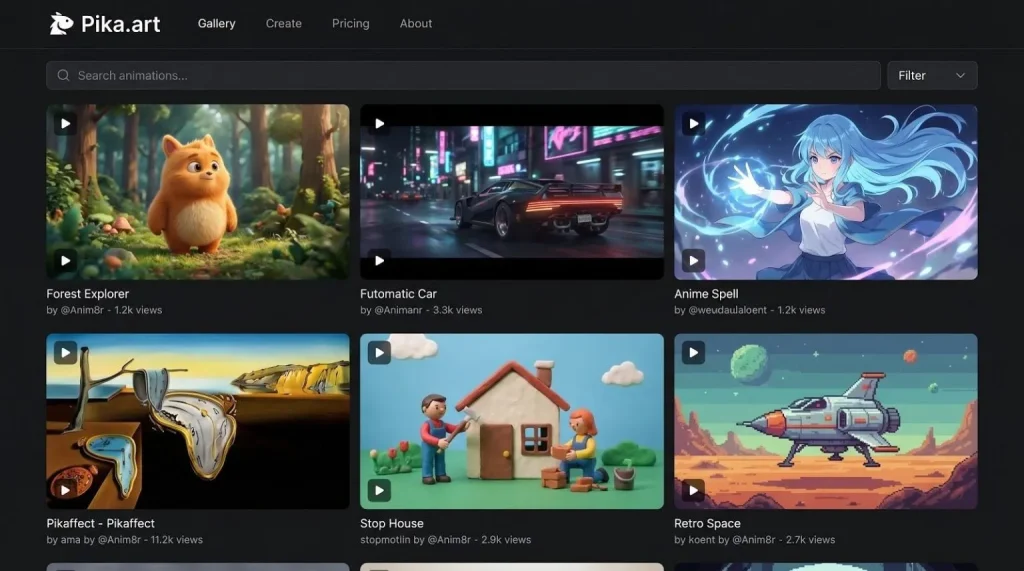
Pika is the friend who turns every half-baked idea into a share-ready clip before your coffee cools.
Type a prompt, tap Generate, and about 10 seconds later you have a 480p video ready for TikTok or Instagram. The model favors bold colors, stylized motion, and playful “Pikaffects,” so you trade a bit of realism for instant flair.
If your goal is to brainstorm, meme, or rapid-fire test concepts instead of crafting a cinematic masterpiece, Pika’s free 80-credit pool refreshes each month and keeps ideas flowing.
5. Runway ML: The Editor-First Production Studio
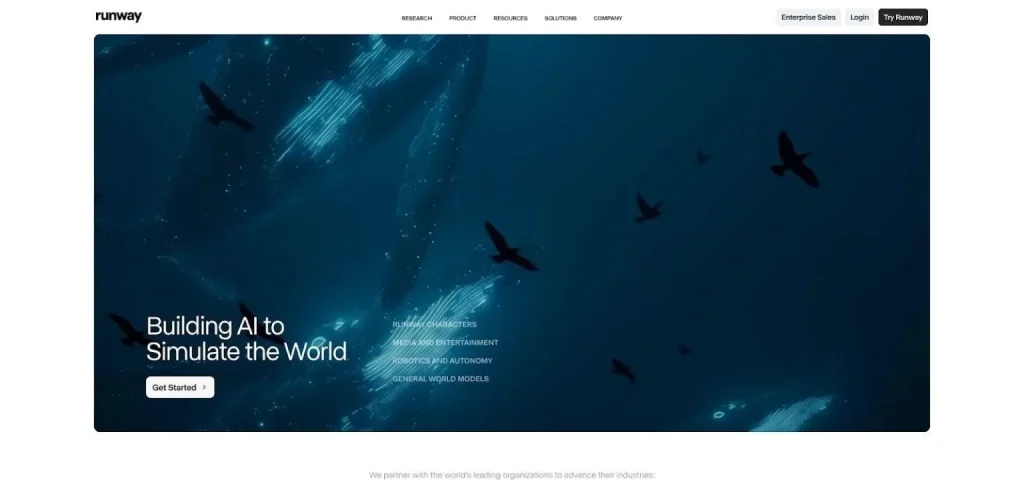
Runway feels less like a novelty generator and more like a mini production studio you open in a browser.
You drop a prompt, an image, or even rough phone footage into Gen-4.5, watch a four-second clip appear, then nudge it on a timeline, mask a rogue background, and splice in the next shot, all before you ever hit “download.”
That end-to-end flow earns Runway a place on our free list even though the starter credits disappear fast. If you care about shaping a story, not just exporting a single hero clip, Runway is the best place to start experimenting.
Final Thoughts: How to Pick the Right Free AI Alternatives to Veo 3?
A handy rule of thumb:
- Best all-round free pick → Leonardo
- Quality first, prototype fast → Seedance
- Showcase realism, short trial → Kling
- Social volume on a monthly refill → Pika
- Full edit suite in browser → Runway
Choosing a generator is less about which model wins on paper and more about which one clears your next hurdle fastest.
Need custom app with amazing features?
Get a Quote