
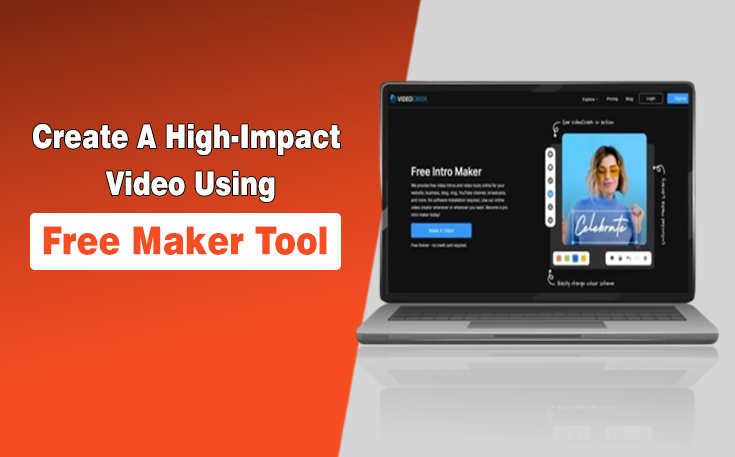
Creating an engaging video can feel like a huge challenge, especially if you have minimal experience. You can get confused with advanced editing programs, numerous tutorials, and high-priced plans.
Time seems to slip away as you struggle to combine footage, add effects, or sync music with visuals. Meanwhile, you know that a high-impact video is crucial for social media engagement, marketing campaigns, or personal projects.
What if there were a way to produce professional-looking videos quickly, without frustration or steep learning curves?
In this blog post, you will learn the best way beginners can use a free video maker to produce high-quality videos, tips and tricks of the trade to have the best results, and how to have the video really captivate the viewers.
Understanding Pain Points of Video Creation
A lot of amateurs experience the same challenges in an attempt to make videos. Complex software requires hours of learning, and even after mastering basic tools, crafting something visually appealing can be challenging.
Finding royalty-free media, creating transitions, and getting text and graphics to fit correctly can often slow down the process. This is where a free promo video maker comes in handy.
By combining ready-to-use templates, drag-and-drop functionality, and built-in media libraries, these tools help overcome common pain points. Beginners can focus on storytelling and visual composition rather than wrestling with complicated software.
The result is faster creation, higher-quality videos, and significantly reduced frustration.
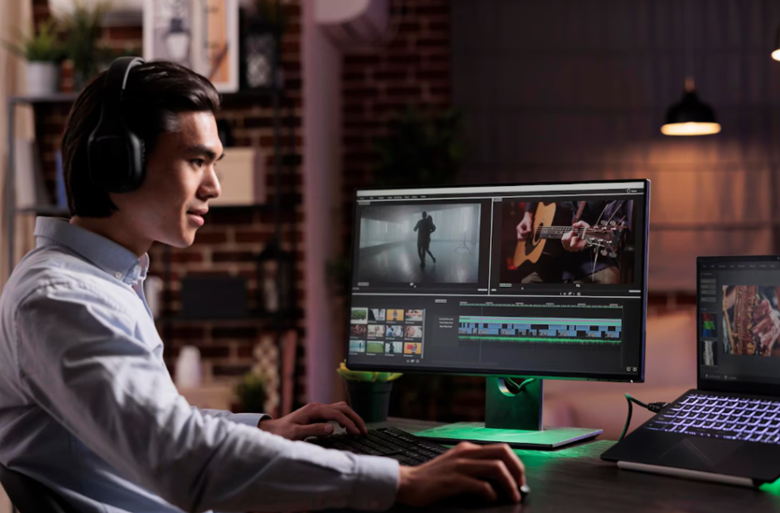
Advantages Of Using Free Maker Tools
A video maker tool is free and is accessible to anyone, including those who have no experience whatsoever. Their user-friendly interfaces enable the user to:
- Choose from pre-designed templates tailored to various video formats.
- Easily add text, music, images, and video clips.
- Export videos in formats suitable for social media, websites, or presentations.
Using these tools, you do not have to spend hours learning an advanced video editing technique. Rather, you can work on creating videos that convey your message to the viewers in a clear way that captivates them till the end of the video.
Step-By-Step Process for Fast Video Creation
A systematic procedure will help beginners to create videos easily without stalling. Every step is directed at speed, simplicity, and quality.
1. Choose Template or Start from Scratch
Templates are good in giving structure so that even when you are a beginner, your video looks professional. Pick one that matches your objective, whether it’s a promotional clip, social media story, or tutorial. Starting with a template can save a lot of time as opposed to creating a video from scratch, and it can be customized.
2. Upload Media Assets
Add your own videos, photographs, or audio files. If personal media isn’t available, most tools offer extensive libraries of stock photos, clips, and music. The use of personal and stock content makes it more authentic and helps to keep the production costs down.
3. Customize Text and Visuals
It is easy to edit text, change colors, and use animations. Keep messaging concise and emphasize key points. Use visual hierarchy, larger text for headlines, smaller text for details, to guide viewers. Basic animations and effects help to make the video look good without being complex.
4. Add Music and Sound Effects
Emotional impact is enhanced by background music and sound effects. There are numerous applications offering royalty-free music to support your videos. Select music that complements the tone and rhythm of your video. Regulate the volume levels so that there is clarity of the narration or text overlays.
5. Preview and Export
Previewing helps in identifying timing, text, or transition errors. Once satisfied, export in the preferred format. Some tools support direct uploads to social media, which eliminates extra procedures and ensures a smooth distribution process.
Timeframe For Beginners
What is the average time taken by an amateur to create a high-impact video?
With a free promo video-making tool, even a simple 30-60 second video can be made within an hour or even less. Longer or more detailed videos can consume 2-3 hours at first.
The more you become familiar with the tool, the more workflow efficiency improves. Learning shortcuts, mastering template features, and understanding stock asset selection reduces production time.
It will also take less time to plan your video beforehand, storyboarding the scenes, choosing media, and writing.
Tips for High-Impact Videos
Video engagement can be enhanced greatly by small strategic decisions. These tips will help make sure that your video is successful with its message and attracts attention.
- Keep It Short and Focused: Videos of under 30-60 seconds are more likely to work on social media.
- Use Strong Visuals: Good pictures and videos keep the attention of viewers.
- Consistent Branding: Apply uniform colors, fonts, and logos to create recognizable content.
- Optimize Text Placement: Ensure text is legible across devices and avoid clutter.
- Engage Early: The first few seconds are the key to audience retention.
- Experiment with Media Assets: Change pictures, videos, or music to determine which combinations are the most effective.
Maximizing Efficiency with Free Tools
Free video makers enable trial and error with no charge. Beginners should explore different templates, test animations, and try various media combinations. Experience allows building editing instincts and a recognizable style.
Exporting videos in multiple resolutions ensures adaptability across platforms. Through the use of ready-made libraries and templates, you can produce professional-quality content with minimal time and effort, and save hours as compared with traditional editing software.
Bottom Line
It is no longer difficult to make high-impact videos as a beginner. With a free promo video maker, you can create professional-looking material with minimal or no technical expertise. Focusing on a perfect message, an engaging visual, the right timing, and ways to engage with your audience, you are bound to build a connection with your videos.
With some planning, trial and error, and best practices, novices can develop ideas into a compelling video within a short time frame by using templates and media. With the help of these tools, it is possible to address typical pain points, save time, and deliver content that genuinely grabs the attention of viewers on social media, in marketing campaigns, or personal projects.
Need custom app with amazing features?
Get a Quote