Logomakr is a solid logo maker, but alternatives like Design.com, BrandCrowd, and Adobe Logo Maker provide more advanced AI features, larger template libraries, and flexible pricing. These tools make logo creation simple, customizable, and accessible for beginners and professionals alike.
Key Takeaways
- AI‑powered logo makers eliminate the need for expensive designers and long wait times.
- Design.com offers the largest template library and full commercial rights.
- BrandCrowd is trusted for originality, ease of use, and strong customer support.
- Adobe Logo Maker is beginner‑friendly with quick AI‑driven customization.
- Choosing the right tool depends on your needs: speed, customization, or professional polish.
Creating a logo used to mean hiring a designer and waiting days for drafts. Not anymore. With AI‑powered logo makers, anyone can design a professional, unique logo in minutes — no design background required.
While Logomakr is a popular choice, it’s not the only option. In fact, several alternatives now offer more features, better customization, and smarter AI tools to help you stand out.
The article includes the top Logomakr alternatives, and introducing WebTech readers to their primary features to choose the best logo maker.
3 Best Logomakr Alternatives Reviewed
#1. Design.com: World’s Leading Logo Maker
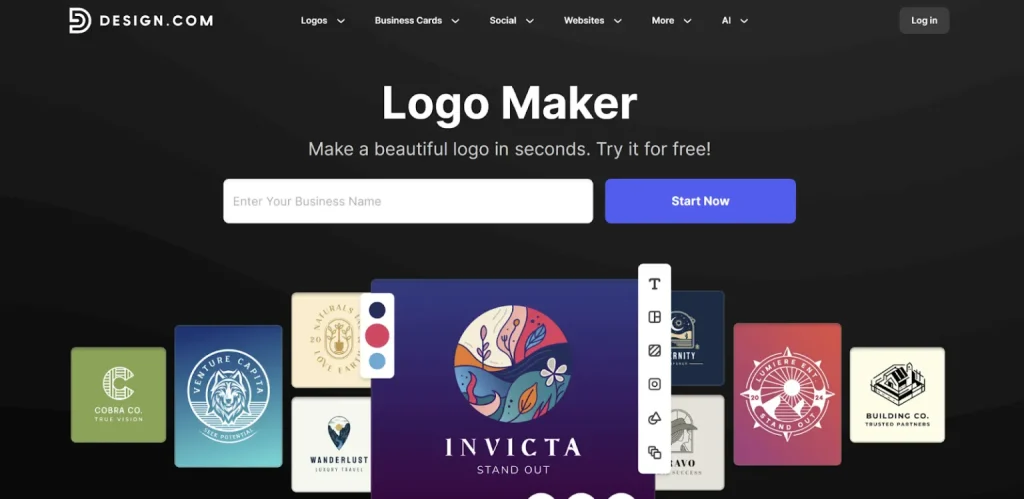
Design.com is famous for its unique and professional logo designs, befitting different needs: for startups, developed businesses, and even modern creators. With its advanced AI integration and customization, the tool is a top solution.
Why is it a Top Solution?
- AI Features: AI integration, includes an AI logo maker, an AI website creator, AI business cards, AI flyers, AI posters, AI presentations, an AI business name generator, and an AI background remover.
- Ease of Use: The platform offers an intuitive interface, making it a great option for people with no design background.
- File Formats: The logos can be downloaded in SVG, EPS, and PDF vector files, PNG & JPG raster files, GIF and MP4 animated options, icon-only logos, and ones with transparent backgrounds.
- Design Suite: Apart from logos, Design.com provides 50+ design options, including business cards, letterheads, presentations, QRs, menus, flyers, posters, etc.
Why Do We Consider It as the Best Solution?
Here are certain reasons why we specifically recommend using Design.com as an easy logo creator.
- Users have 100% commercial rights over their logos and extended licensing, being able to use them for any personal or professional purposes.
- You can easily customize and change the color, font, icon, or layout of your logo. There are 62K+ vector shapes, and 750+ fonts on the platform, 525+ of which are exclusive.
- The tool provides the largest logo templates library with 360K+ logo templates and over 1 million overall design templates.
Pricing
Design.com provides many free logo offerings, giving its users a chance to work on their logos and download them, as they do with the premium ones. Furthermore, users have exclusive access to the free website builder, digital business card maker, and link-in-bio maker. However, if you cannot download certain assets, that may imply that you need premium plans.
Annual Pricing Plans (A chance to save 75%)
- Starter: $5/month, billed annually
- Value: $6/month, billed annually
- Premium: $7/month, billed annually
Verdict
Design.com becomes a great solution for those users who aim to find professionalism and ease of use in the same platform. The tool’s AI integration, ownership terms, customization options, and thousands of templates make readers confident in their choice.
#2. BrandCrowd
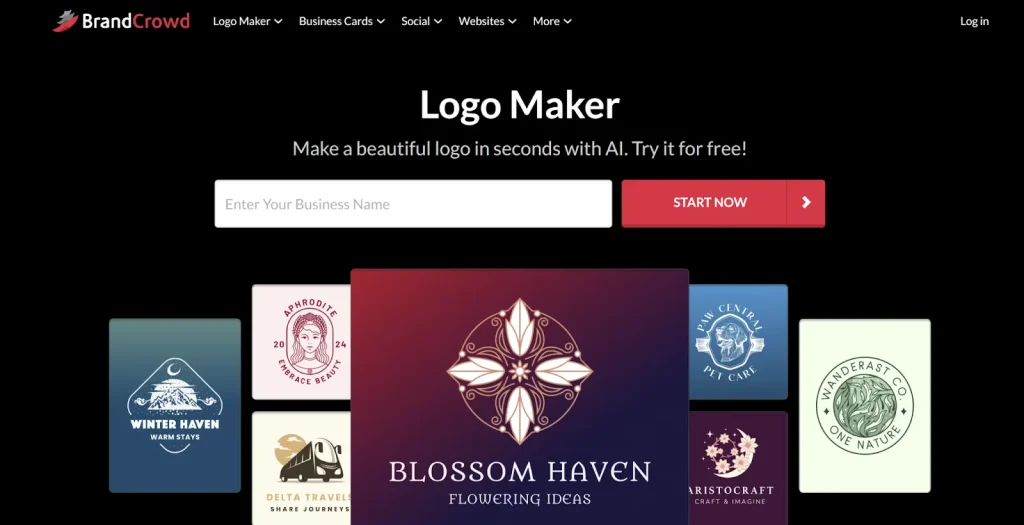
BrandCrowd is a trustworthy logo creator, becoming a good option regardless of your expertise or needs.
What Benefits Does it Provide?
- Rating: BrandCrowd has a 4.8 rating on TrustPilot with 9000 reviews.
- AI-Powered: The tool integrates AI and an AI logo generator, an AI business name generator, and an AI background remover.
- Commercially Safe: It is 100% commercially safe to use, as each design element is checked for originality.
- Templates: There are over 350K templates on the platform.
Why Do We Recommend It?
Below are the main reasons why we recommend BrandCrowd as a trustworthy logo maker.
- The platform is easy to utilize, and even if you do not have any design experience.
- There is 24/7 email support and chat support that will answer all of your inquiries.
- You can download your logos in vector format (SVG, EPS, & PDF), raster format (PNG & JPG), animated format (GIF & MP4), as well as icon format, and ones with transparent backgrounds.
Pricing
There is a free tier on the platform, meaning that you can access and even download most of the logos on the platform. But if certain features make it unable to download and acquire the design, this means that you need to upgrade to a premium plan.
Annual Pricing Plans (Save 75%)
- Starter: $5/month, billed annually
- Value: $6/month, billed annually
- Premium: $7/month, billed annually
Verdict
BrandCrowd becomes a top solution with its enhanced customization option, intuitive interface, commercially safe logo designs, and a number of logo templates. Here, you can give freedom to your creativity, mixing it with AI technology, and stand out among the competitors.
#3. Adobe Logo Maker
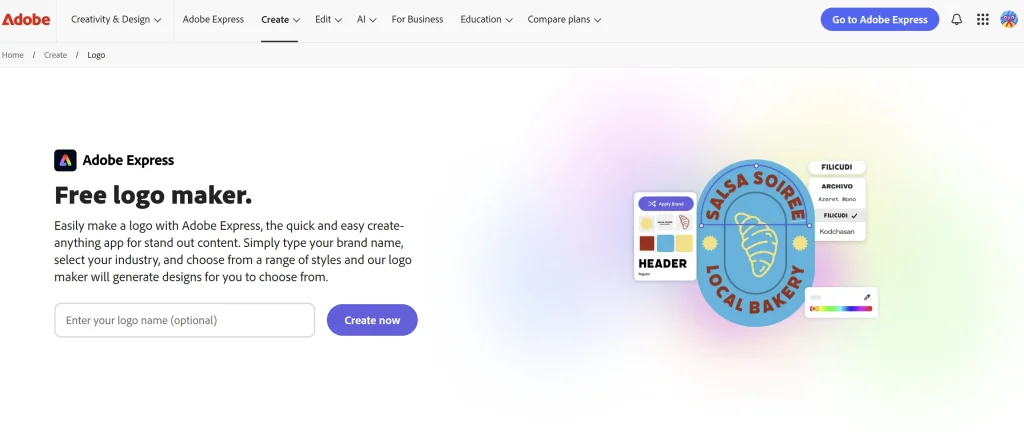
Adobe logo maker is a beginner-friendly online tool that helps to create appealing logos. It also uses AI technology and gives diverse customization options for your logo design.
What Benefits Does it Provide?
- AI-Integration: The tool uses AI to create templates, text effects, and images; remove background; and animate characters.
- Quick Design: With the integration of AI technology, you can create logos in just a few seconds.
- File Types: You can download the logo in PNG, JPG, EPS, PDF, and even animated MP4 formats.
Why We Recommend it
We mainly recommend Adobe logo maker as a user-friendly tool, since the tool is created for non-designers and offers simple steps in both customization and downloading. Additionally, diverse templates, design icons make it easier to understand what users want and create a logo that will attract customers’ attention.
Pricing
There are pricing plans on the platform:
- Free Plan that includes a number of templates and fonts; however may include watermarks in some exports.
- Premium Plan: $9.99/ a month gives access to all the templates and downloading options.
Verdict
Adobe logo maker is a great solution for beginners who do not have any design skills but aim to create their own logo.
Final Thoughts
There are different alternatives to Logomakr that provide diverse solutions with the help of AI integration and diverse customizations.
These logo makers usually offer professional designs and diverse file formats to use on different platforms. Additionally, they provide an easy-to-use interface where you can create your logo in a matter of seconds. Most of these tools even offer free design solutions, saving not only time but also resources.
Do not stick to the same logo maker; start experimenting and choose one that provides the top solution for your case.
Need custom app with amazing features?
Get a Quote